B9 Game APK is an Android file for a real-money gaming and casino-style mobile platform. Whether you're installing for the first time or updating to a newer build, the steps below walk through the install in a way that prioritizes file safety, permission hygiene, and local legal awareness.
Before you install
APK files from unknown sources can be risky. A few quick checks reduce that risk dramatically:
- Scan the .apk file with an antivirus or VirusTotal.
- Check the app name and package name match what you expect.
- Verify the version build — version labels on download buttons are not proof.
- Review the permission list before tapping install.
Step-by-step install
- Download the APK file from a source you trust.
- Open Android Settings → Security or Install Unknown Apps.
- Allow installation for your browser or file manager.
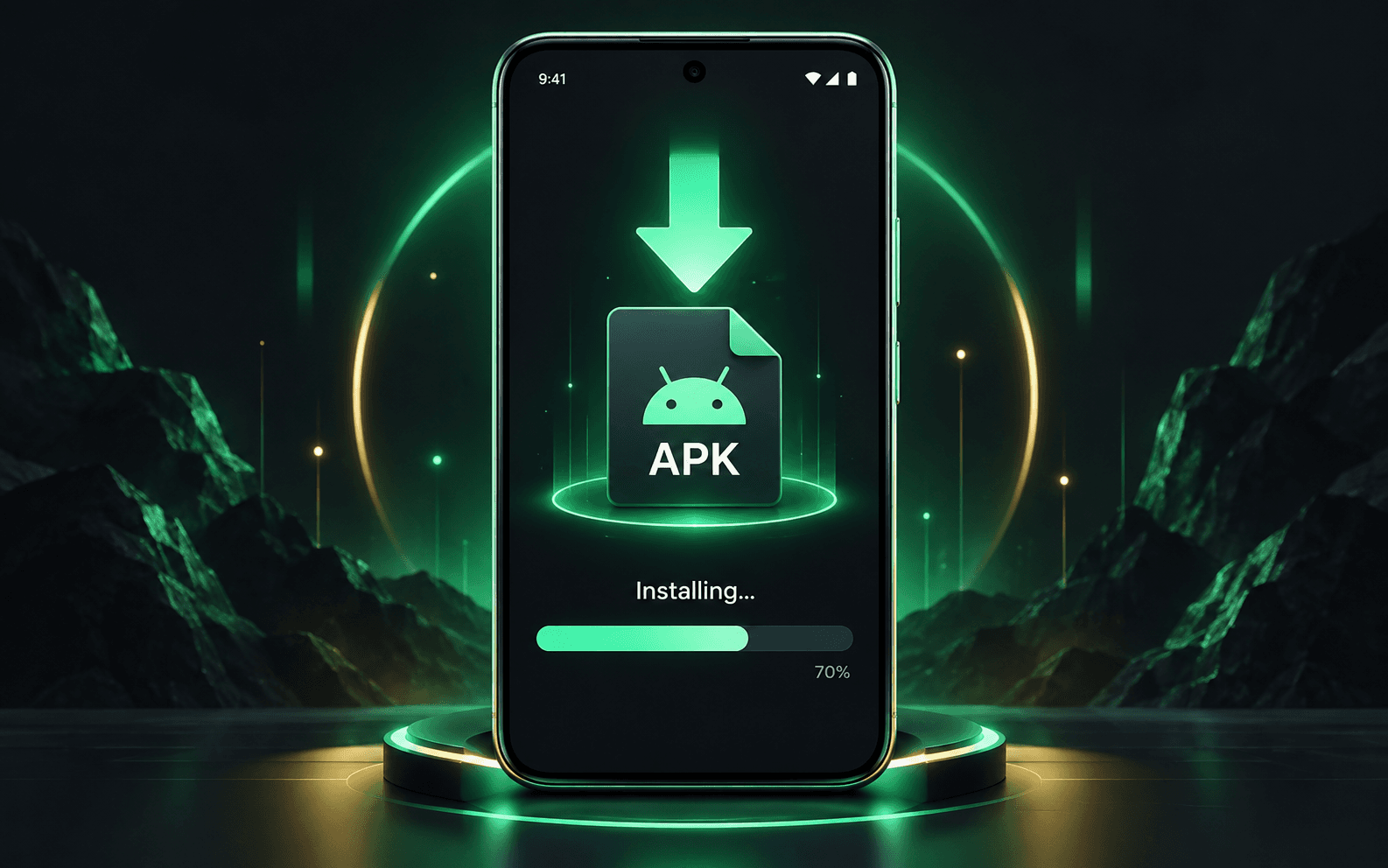
- Open the downloaded APK file and tap Install.
- Open B9 Game after installation completes.
- Turn off the unknown-apps permission again.
After install
Don't share OTPs with agents, support groups, or anyone claiming to "activate" your account. Treat your wallet balance as in-app credit, not confirmed cash. Save transaction IDs and payment receipts in case of withdrawal disputes.
FAQ
Is the APK safe? The file is only as safe as its source. Scan it before opening.
Will my data carry over on update? Usually yes if package signature matches. Backup first.